AI Tools are AI models built into Coursiv, so you can practice what you learn in real time with the world's most advanced models without leaving the platform.
How to access AI Tools
- Open the Coursiv app.
- Tap the AI Tools icon in the bottom navigation bar.
- Select a category or specific model to begin a new session.
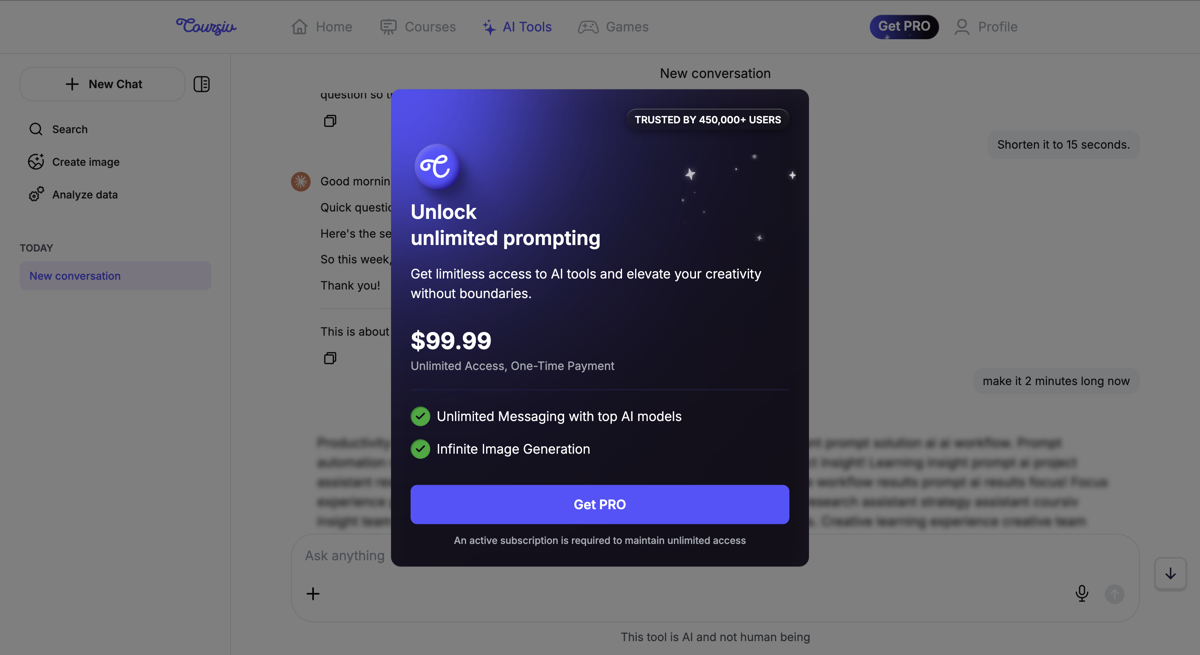
Note: Access to Unlimited AI Tools is a paid feature. All users get 5 free tokens for each AI tool.
AI tool categories and models
We provide access to a curated set of industry-leading models, each suited to specific tasks:
- Text & Reasoning: Use Claude, ChatGPT 5.4, ChatGPT-4o Mini, Gemini 3.1 Pro, or DeepSeek to draft professional emails, brainstorm business strategies, or summarize complex documents.
- Creative Image Generation: Create high-fidelity visuals and marketing assets instantly using DALL-E 3, GPT Image 1.5, Nano Banana, or SD 3.5 Large Turbo.
- Research & Fact-Checking: Get real-time data and cited answers to your questions using Perplexity.
- Coding & Rapid Logic: Use Grok 4.3 for quick technical solutions, debugging, or concise data analysis.
How AI Tools work with your guides
Unlike standard chatbots, Coursiv's AI Tools are integrated with our guides. You can:
- Apply templates: Use pre-set prompts to get better results faster.
- Practice use cases: Move directly from a lesson into a tool to complete a "Real-World Task".
- Skip separate accounts: Access all these models under your single Coursiv subscription, with no extra sign-ups required.
Need further clarification?
Contact us at support@coursiv.io or submit a request in our Support Center.
Was this article helpful?
That’s Great!
Thank you for your feedback
Sorry! We couldn't be helpful
Thank you for your feedback
Feedback sent
We appreciate your effort and will try to fix the article