You can cancel your subscription at any time. The steps depend on where you subscribed: on the Coursiv website, through Google Play, or through the App Store.
Not sure where you subscribed? If you don't see Coursiv in your Apple subscriptions, you subscribed through the Coursiv website. Follow the website steps below.
- If you subscribed on the Coursiv website
- If you subscribed through Google Play
- If you subscribed through the App Store
If you subscribed on the Coursiv website
- Log in to your Coursiv account at app.coursiv.io.
- Go to Profile → Settings → Manage Subscription.
- Click Cancel Subscription.
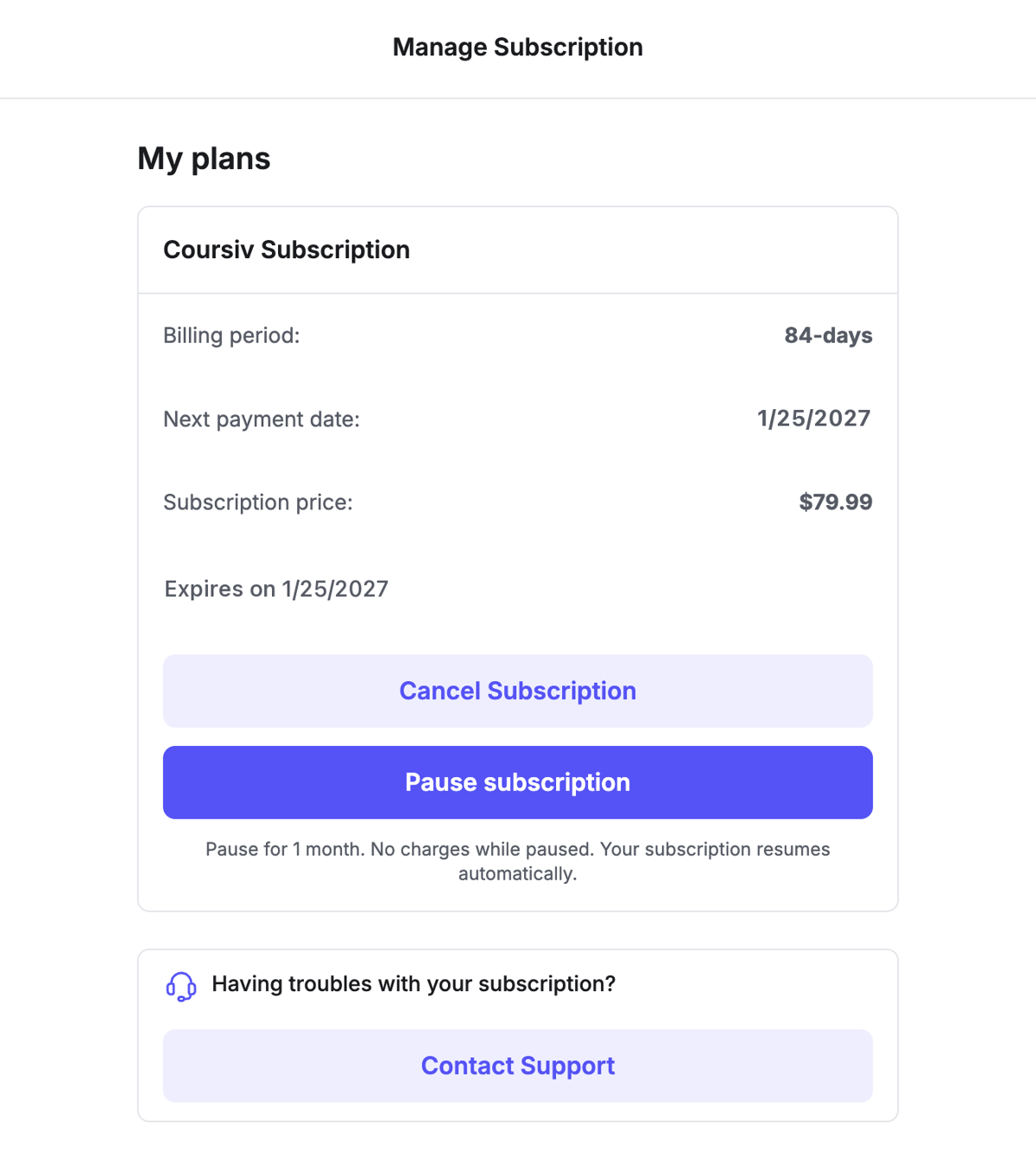
Need a break instead? On the same page, click Pause subscription. Your subscription is paused for 1 month, and you aren't charged while it's paused. It resumes automatically after that.
Tip: Using an iPhone but subscribed on the website? Your subscription won't appear in Apple's settings. Manage it on the website in Profile → Settings → Manage Subscription.
If you subscribed through Google Play
- Open the Google Play Store.
- Tap your profile picture in the top right corner.
- Tap Payments & subscriptions → Subscriptions.
- Find Coursiv and tap Cancel subscription.
Learn more: Google Play: Cancel a subscription
If you subscribed through the App Store
- Open Settings on your iPhone.
- Tap your name at the top.
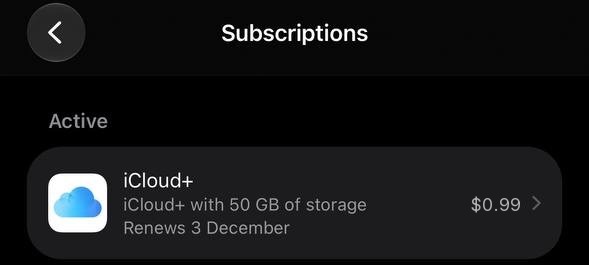
- Tap Subscriptions.
- Find Coursiv and tap Cancel Subscription.
Learn more: App Store: Cancel a subscription
What happens next
- You'll receive a confirmation email.
- Your access stays active until the end of the current billing period.
- You won't be charged again.
Need further clarification?
Contact us at support@coursiv.io or submit a request in our Support Center.
Was this article helpful?
That’s Great!
Thank you for your feedback
Sorry! We couldn't be helpful
Thank you for your feedback
Feedback sent
We appreciate your effort and will try to fix the article