You can delete your Coursiv account and all your personal data yourself in the app, or ask our privacy team to do it by email. If you only want to stop marketing emails, you don't need to delete your account.
- What personal data we collect
- Delete your account in the app
- What happens to your subscription
- Ask us to delete your data by email
- Unsubscribe from the mailing list
What personal data we collect
To provide a personalized learning experience, we collect essential information such as your age, gender and email address. We also analyze device data like IP addresses and language settings to improve app performance.
Learn more: Privacy Policy
Delete your account in the app
- Open the Coursiv app.
- Go to Profile → Settings → Account settings → Delete account.
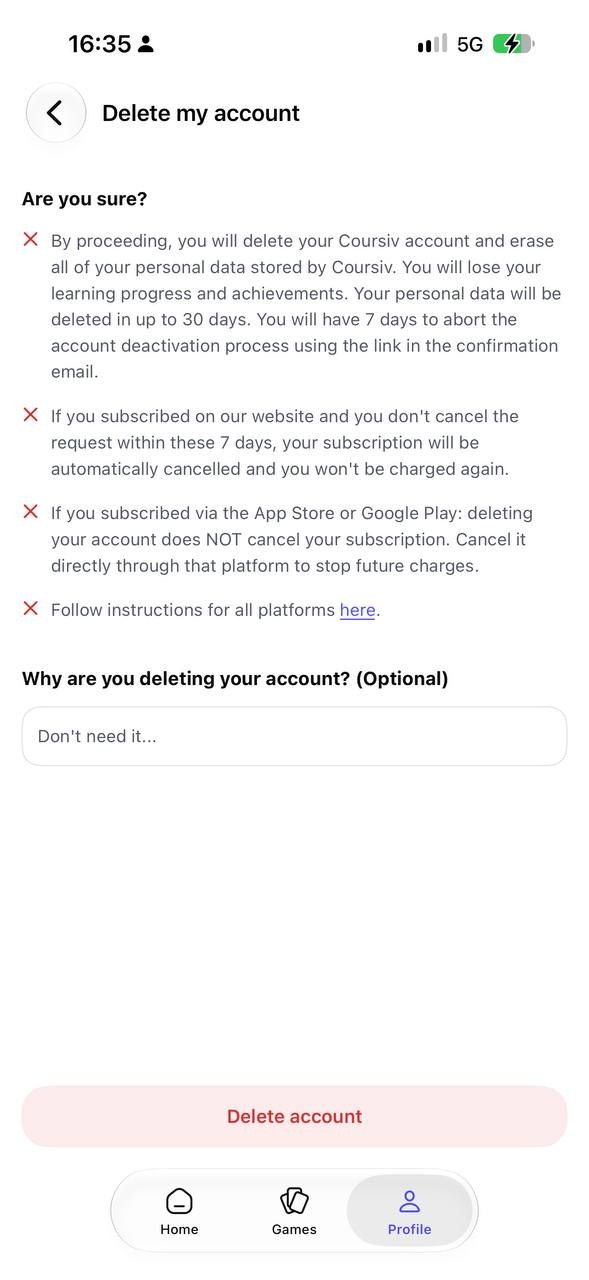
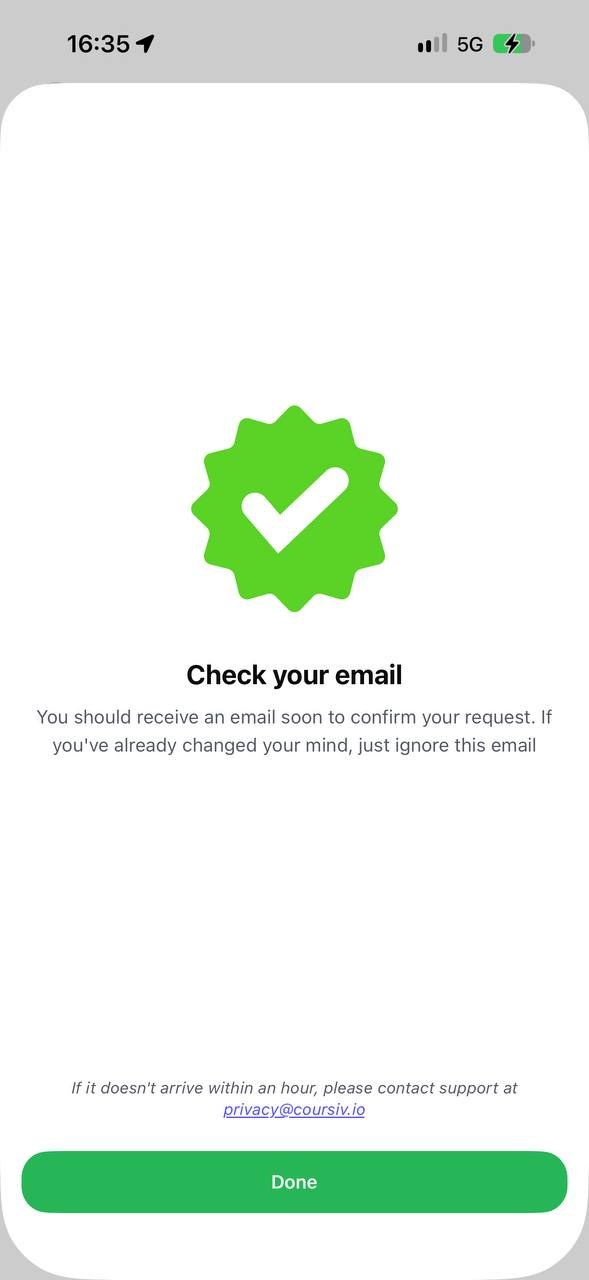
We'll send you a confirmation email.
What happens after you request deletion:
- Your Coursiv account is deleted, and all your personal data stored by Coursiv is erased.
- You lose your learning progress and achievements.
- Your personal data is deleted in up to 30 days.
- You have 7 days to cancel the deletion using the link in the confirmation email.
Important: We can't delete only part of your data, such as card details. When you request deletion, all your information from the app and web is deleted, including personal data, login details and any other data we hold.
What happens to your subscription
- If you subscribed on the Coursiv website: if you don't cancel the deletion request within 7 days, your subscription is cancelled automatically and you won't be charged again.
- If you subscribed through the App Store or Google Play: deleting your account does not cancel your subscription.
Important: If you subscribed through the App Store or Google Play, you must cancel your subscription directly in that store to stop future charges. Follow the steps for your platform in How do I unsubscribe?
Ask us to delete your data by email
- Email your request to privacy@coursiv.io.
- Send it from the email address linked to your account so we can verify that the account is yours.
Our team will process your request and confirm once the deletion is complete.
Unsubscribe from the mailing list
If you only want to stop receiving newsletters or promotional offers without deleting your account, click the Unsubscribe link at the bottom of any email we've sent you.
Need further clarification?
Contact us at support@coursiv.io or submit a request in our Support Center.
Was this article helpful?
That’s Great!
Thank you for your feedback
Sorry! We couldn't be helpful
Thank you for your feedback
Feedback sent
We appreciate your effort and will try to fix the article